 BusSing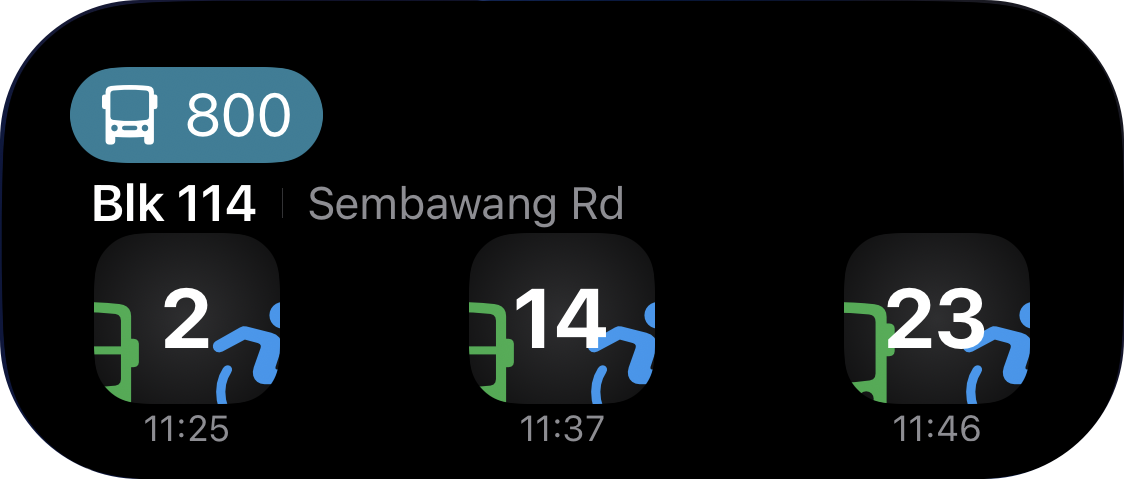
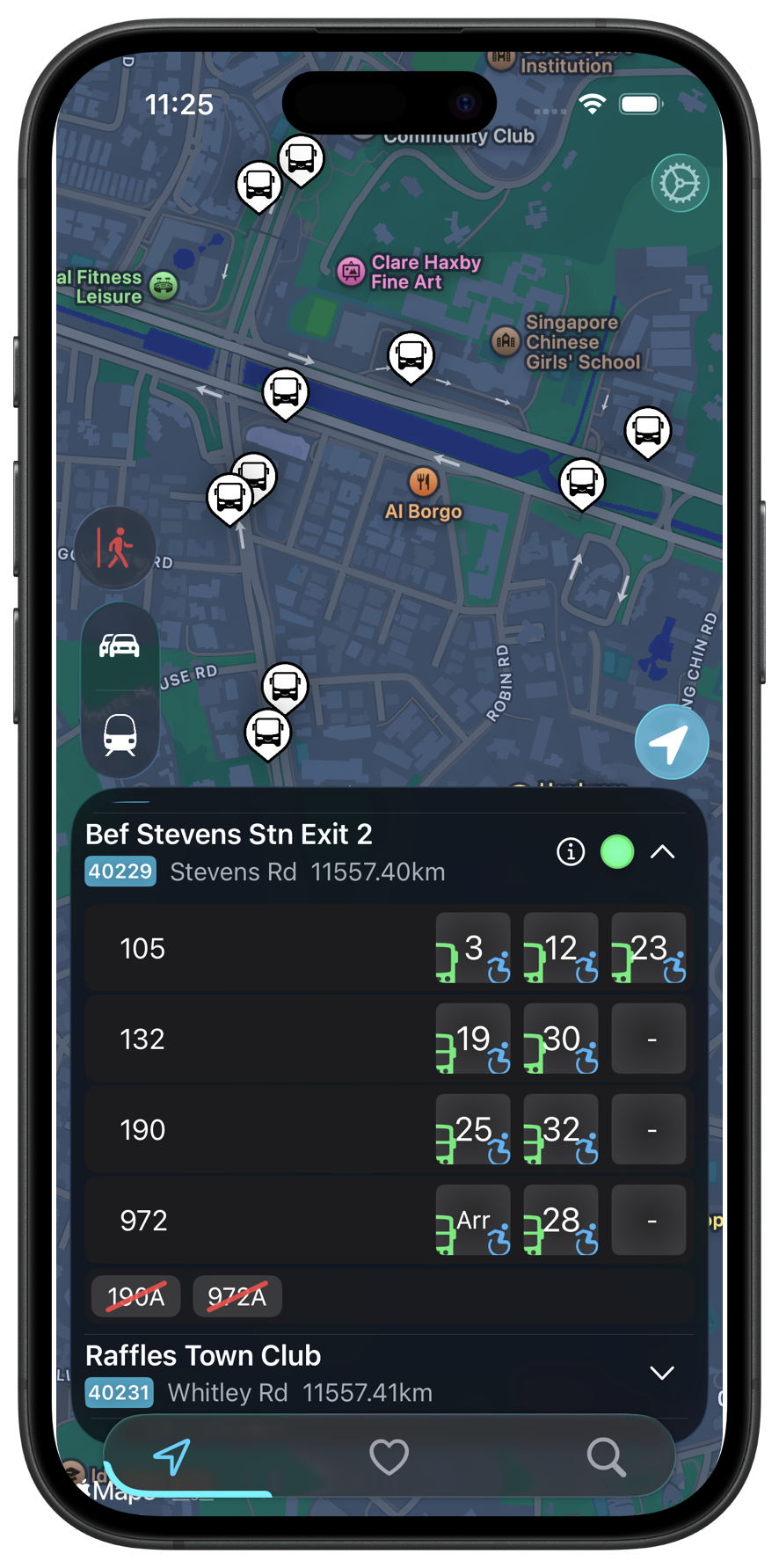
Sometimes you want to check a bus before leaving home. Sometimes you are already walking to the stop. BusSing gives you several ways to see arrivals without repeatedly opening the app. The best choice depends on where you want the timings to appear.
Home Screen widgets for your everyday stops
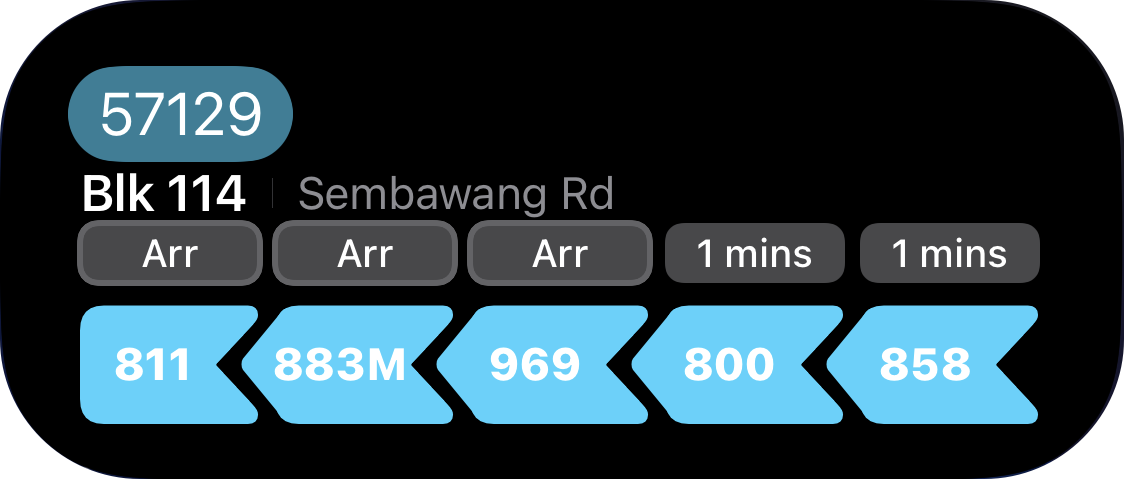
A Home Screen widget makes sense when you regularly check the same stop. Place BusSing near the apps you open in the morning, so you can glance at your bus before deciding when to leave. It is also useful when you want the stop to remain part of your usual Home Screen layout.
Use a favourite stop that you can identify quickly. If you commute in both directions, check that you are looking at the correct side of the road. Similar stop names can be easy to mix up when you are in a hurry.
Lock Screen widgets for a quick check
A Lock Screen widget puts bus information on the screen you see when you wake your iPhone. This is useful while getting ready, waiting for a lift or walking out of a building. There is less space than on your Home Screen, so choose the information you need most.
To add widgets, customise the screen using the iPhone widget controls and select BusSing. The available layouts depend on the widget and your iOS version. Apple explains the current Home Screen and Lock Screen setup steps in the guide linked below.
Live Activities for the bus you are waiting for
Use a Live Activity when you want to follow arrivals for a particular stop or service. BusSing can show one bus service or several options at a stop, which is handy when more than one bus will get you where you need to go.
Live Activities appear on the Lock Screen and can use Dynamic Island on compatible iPhones. Dynamic Island is available on iPhone 14 Pro and newer compatible models. You can also start a BusSing Live Activity through Apple Shortcuts to make it part of a routine.
Choose the screen that fits the moment
Keep a Home Screen widget for your daily stop. Use a Lock Screen widget when you want a quick check without going into the app. Start a Live Activity when you are actively following your next bus. You can use these together; there is no need to choose one permanently.
All of these views are ways to see arrival information, not a guarantee of an arrival time. Live bus data needs a connection, and estimates may change or become temporarily unavailable. If something looks out of date, open BusSing to check the current information before making a tight connection.
Further reading: Apple Support: add and edit widgets on iPhone
Try it on your next commute.
Live Singapore bus arrivals, widgets and offline MRT maps. All in BusSing.
Download on theApp Store